Why You Should Never Plug a Portable SSD Into Your PC's Front USB Ports
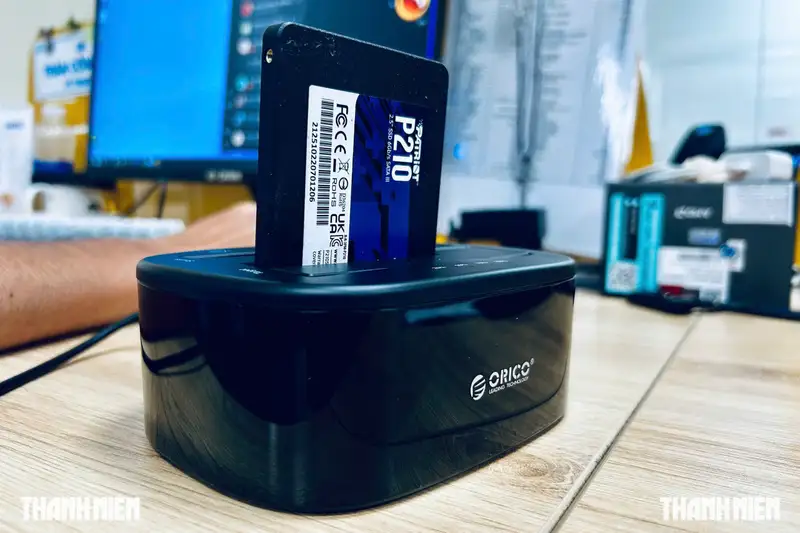
- Front-panel PC ports rely on thin, unshielded internal extension cables that degrade high-frequency signals, choking high-speed NVMe external SSD speeds.
- Loose internal header connections and signal attenuation can cause sudden mid-transfer disconnections, leading to corrupted files and partition failures.
- Leaving an external SSD permanently plugged in exposes the drive to continuous thermal wear, system-wide power surges, and ransomware infections.
When users purchase a premium portable Solid State Drive (SSD), they expect to experience lightning-fast data transfer speeds, often rated at 1,000 MB/s or even 2,000 MB/s. These compact devices have revolutionized modern workflows for content creators, software engineers, and backup-conscious professionals who require massive, high-speed storage on the go. Yet, a deceptively simple, everyday habit is silently crippling these high-end drives: plugging them into the convenient USB or USB-C ports on the front panel of a desktop PC tower. While it saves users from the minor inconvenience of reaching behind their heavy computer cases, this shortcut introduces significant performance degradation and severe hardware risks.
Quick summary
- Severe Speed Bottlenecks: Front-panel PC ports rely on thin, unshielded internal extension cables that degrade high-frequency signals, choking high-speed NVMe external SSDs down to legacy speeds.
- Data Corruption Hazards: Loose internal header connections and signal attenuation can cause sudden mid-transfer disconnections, leading to corrupted file structures and partition failures.
- Longevity and Security Risks: Leaving an external SSD permanently plugged in exposes the drive to continuous thermal wear, system-wide power surges, and ransomware infections.
Why it matters
For modern computer users, time is money. Buying an expensive external NVMe SSD only to have its transfer rates bottle-necked to the speed of a ten-year-old thumb drive is a massive waste of resources. More importantly, this issue goes beyond wasted time. The physical architecture of front-panel USB connections creates electrical vulnerabilities that can permanently corrupt active projects, leading to data loss that professional recovery software may not be able to retrieve. Understanding how your PC handles data routing is essential for preserving both your hardware investment and your valuable digital assets.
Background
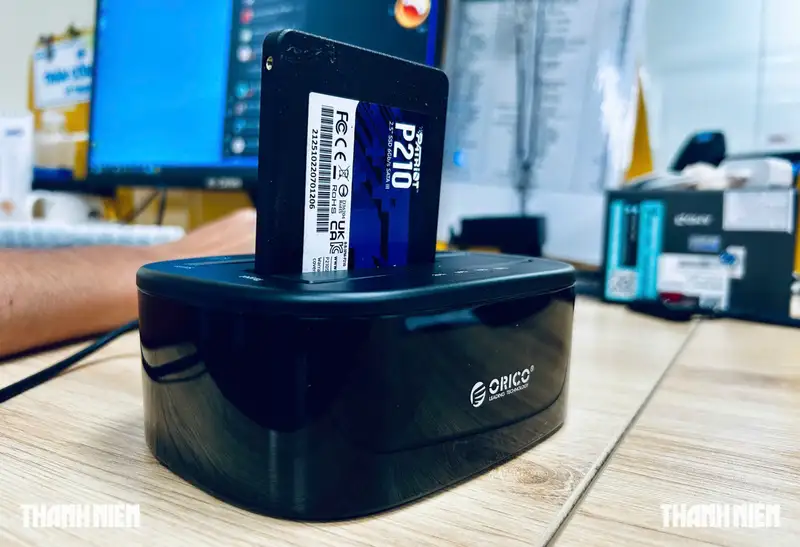
To understand why front-panel USB ports are problematic, we have to look at the physical architecture of a desktop computer. Unlike the rear input/output (I/O) panel, which is soldered directly onto the thick, multi-layered printed circuit board (PCB) of the motherboard, the front-panel ports are completely isolated. They are built into the physical chassis of the computer case, which is manufactured by a completely different company than your motherboard.
To make these front ports functional, case manufacturers route long, internal bridge cables from the front panel through the chassis to connect to small, multi-pin headers on the motherboard. Over the years, USB protocols have evolved rapidly—from USB 2.0 to USB 3.0, and now to confusing naming standards like USB 3.2 Gen 1, Gen 2, and USB4. Unfortunately, the physical wiring inside many computer cases has not kept pace with these high-frequency, high-speed standards. These internal cables are often poorly shielded, excessively long, and prone to picking up electromagnetic interference (EMI) from the power supply, graphics card, and CPU cooler inside the chassis.
The Physics of Signal Attenuation
When high-speed data travels through a copper wire, the signal degrades over distance. This phenomenon is known as signal attenuation. Rear motherboard USB ports have traces measuring just a few centimeters directly from the host controller to the port, ensuring maximum signal integrity. In contrast, front-panel connections force the signal to travel through centimeters of motherboard traces, out of a sensitive header pin, through up to half a meter of unshielded chassis wiring, and finally through the front port into your SSD's cable. This extended path acts as an electrical bottleneck, forcing the system to automatically downgrade the connection to a slower, more stable USB protocol to prevent data loss.
The Danger of Intermittent Disconnections
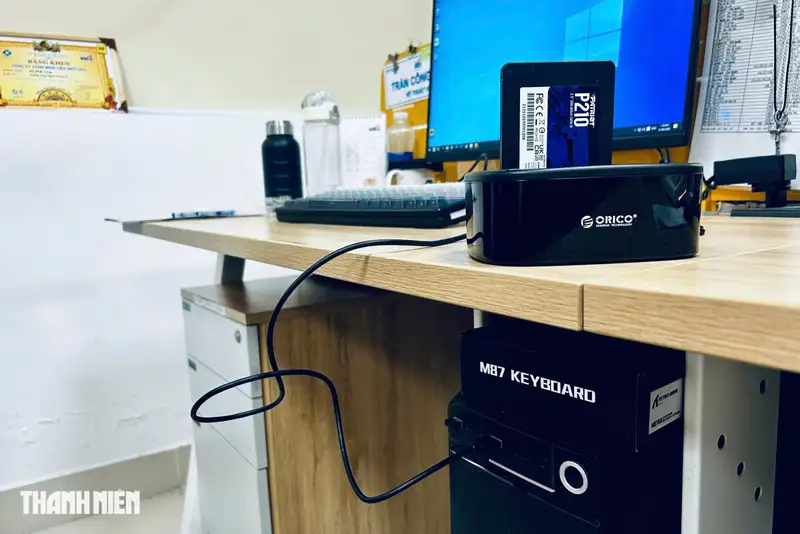
High-speed external SSDs require stable power and high-bandwidth pathways. Because the internal header cables of PC cases are prone to wear, loosening, or oxidized contact points, the electrical connection to front ports is notoriously unstable. If the connection drops for even a millisecond during a heavy file transfer, the file system can suffer critical structural damage. This often results in "RAW drive" errors, forcing users to format the SSD and lose all stored data.
The "Always-On" Connection Trap
Another common mistake among users is turning a portable SSD into a permanent fixture by leaving it plugged into the PC 24/7. External drives are specifically designed for temporary transit and backups. When left permanently mounted, the NAND flash memory chips and controller inside the SSD remain continuously energized. This continuous power supply keeps the internal components hot, accelerating thermal degradation and shortening the lifespan of the drive.
Furthermore, an always-on external drive is highly vulnerable to external threats. If your PC is struck by an electrical surge, or if your operating system is compromised by ransomware, any permanently connected drive will suffer the exact same fate as your internal drive. True backup security requires physical isolation—meaning the drive should only be plugged in during active backups and safely ejected immediately afterward.
Qnews24h insight
The tech industry's rapid transition to faster storage has exposed a major disconnect between peripheral capabilities and basic PC chassis engineering. While SSD manufacturers boast read and write speeds exceeding several gigabytes per second, PC case makers frequently cut corners on internal front-panel wiring to save pennies on production costs. This creates a frustrating user experience where premium hardware is crippled by a cheap internal cable.
To maximize the life and performance of your portable SSD, users must adopt a direct-to-motherboard connection habit. Always plug high-speed external drives directly into the rear I/O panel of the motherboard. If crawling under your desk is too inconvenient, investing in a high-quality, heavily shielded USB extension cable or a powered, high-bandwidth desktop USB hub connected directly to a rear USB 3.2 Gen 2 port is the smartest way to bring top-tier speeds directly to your desk safely.
Sources
Why it matters
Using front-panel USB ports can throttle a premium SSD's speed by up to 90%, turning a fast NVMe drive into a slow storage device. More critically, the electrical instability of front ports and the habit of leaving drives plugged in continuously expose users to permanent data corruption, hardware degradation, and security vulnerabilities like malware.
Background
Unlike rear motherboard ports which are soldered directly to the main PCB, front-panel ports connect via long, unshielded internal cables. These cables are highly susceptible to electromagnetic interference inside the PC chassis and struggle to maintain the signal integrity required by modern high-speed USB standards, leading to automatic speed downgrades and connection instability.
Chassis manufacturers often cut corners on front-panel internal header cabling, creating a major physical bottleneck for modern high-speed peripherals. To ensure safety and unlock the true performance of external NVMe SSDs, consumers must bypass front ports entirely in favor of direct rear motherboard connections or high-quality, powered desktop hubs.
References
Editorial information
The editorial team reviews sources, adds context, and structures stories so readers can understand the news more clearly.
Article from QNEWS24H
Comments
(0)No comments yet. Be the first to share your thoughts.